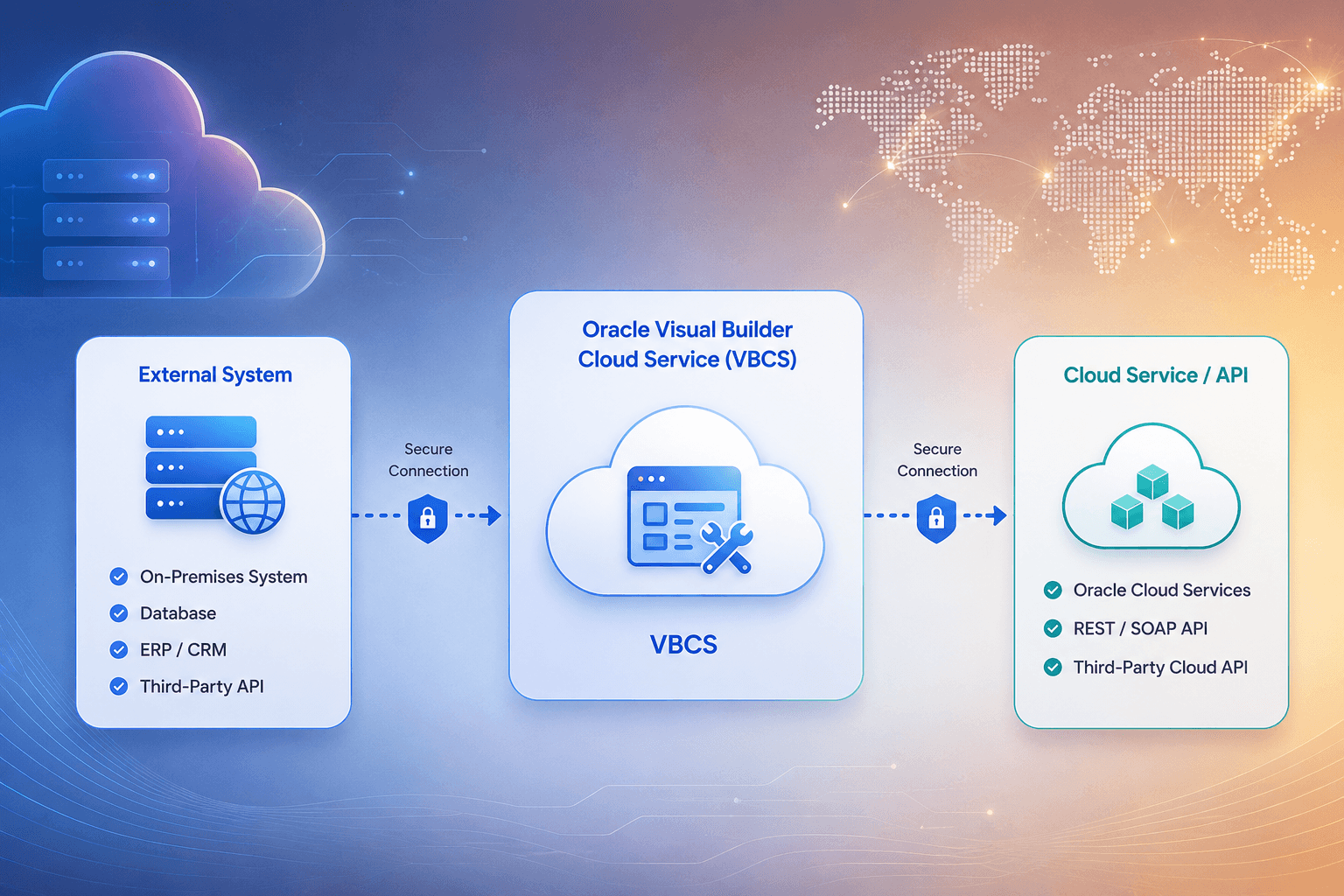


How to Use the Spinner Component in Oracle Visual Builder Cloud Service (VBCS)

The Spinner component in Oracle Visual Builder Cloud Service (VBCS) provides a clear visual indication that an operation is in progress. It improves the user experience by showing that data is being loaded or processed in the background. This guide explains how to use the Spinner component effectively in VBCS.
Adding and Configuring the Spinner
Open your application in VBCS and navigate to the required page in the UI Editor. From the Component Palette, drag and drop the Spinner component onto the page. Customize its properties such as size, color, and visibility in the Properties panel.
JavaScript Control Example
// Show Spinner
$page.FindComponent('spinnerId').show();

// Hide Spinner
$page.FindComponent('spinnerId').hide();
Using the Spinner with Background Processes
Start the Operation
The user triggers a data request, service call, or form submission.
Show the Spinner
Set the Spinner visibility to true before the asynchronous operation begins.
Run the Process
Fetch data or complete the required background operation while keeping the interface responsive.
Hide the Spinner
Set visibility to false in both success and failure error-handling paths so the Spinner is always cleared.
Conclusion
Using the Spinner component in Oracle VBCS creates a smooth and professional interface by keeping users informed during background operations. Combined with event handling, it supports an intuitive and responsive application experience.